

Broadcast Monitor for Windows · Live video and audio monitoring
When the show is live, you need more than a picture that looks good on one screen. Broadcast Monitor puts your video alongside tools that reveal exposure, color, and audio levels, helping you make confident adjustments before a small problem becomes part of the show.
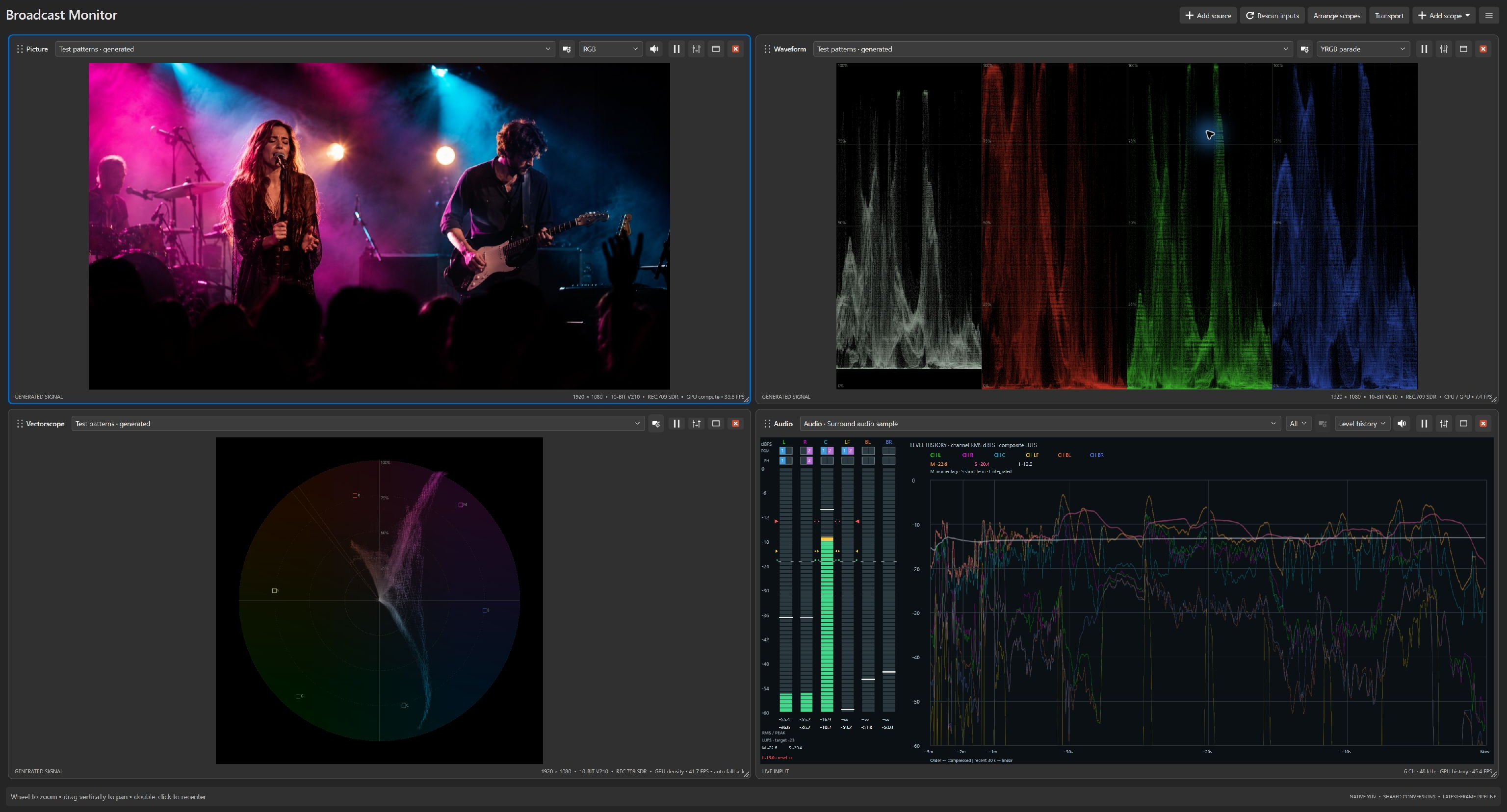
A picture shows you the result. Scopes help explain it. Spot exposure problems, compare cameras, and watch audio while keeping the production in view.
Learn to recognize bright highlights, color casts, and camera differences with false color, zebras, and scopes.
Explore picture and scopes →Listen to selected channels and follow levels, phase, waveforms, and loudness through a show.
Explore audio monitoring →Professional adds two-source comparison, advanced color tools, captions, and ancillary data.
Explore advanced monitoring →Route sources to independent views, save a layout for the next show, and zoom in when a detail needs attention. Professional adds media playback and hardware or NDI monitoring output.
Build your monitoring workflow →Careful signal measurement and efficient processing are central to Broadcast Monitor. Find practical guidance on computers, capture devices, and balancing detail with update rate.
Read hardware and performance guidance →Explore picture monitoring and generated color bars in Free. Add everyday measurement tools with Express, or choose Professional for the expanded toolset.
0.9.x is BETA. Beta licenses also work in the 1.x releases. Through November 30, 2026, Express is $39 USD and Professional is $99 USD; prices become $79 and $299 on December 1.
Qualifying CrewAxis subscriptions include a paid edition. Compare editions, pricing, and subscriber benefits.
Continue the tour, or choose any topic from the navigation above.